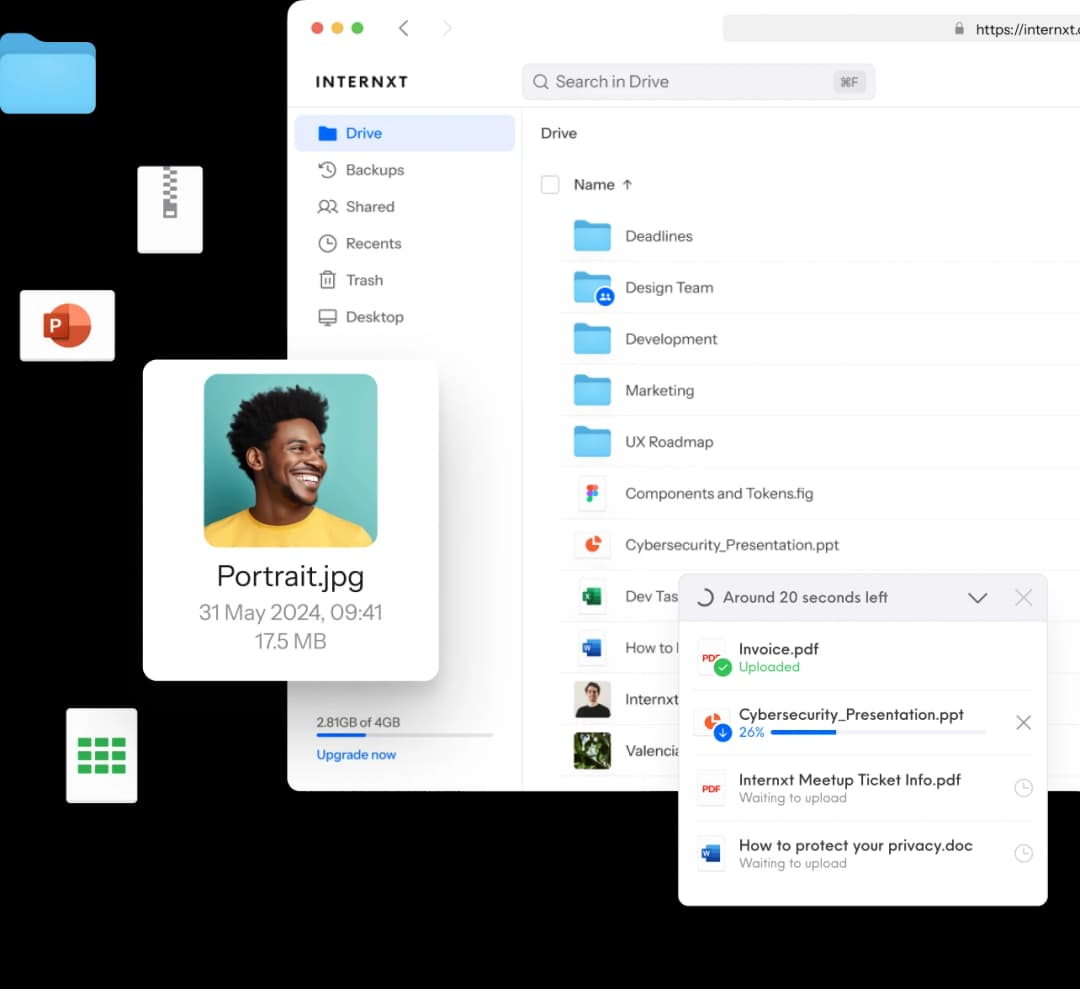
Cloud storage backup solutions for your data
Internxt Drive allows you to back up and protect your files from ransomware and data loss.
Schedule your backups
Backed up across multiple servers
Open source and audited
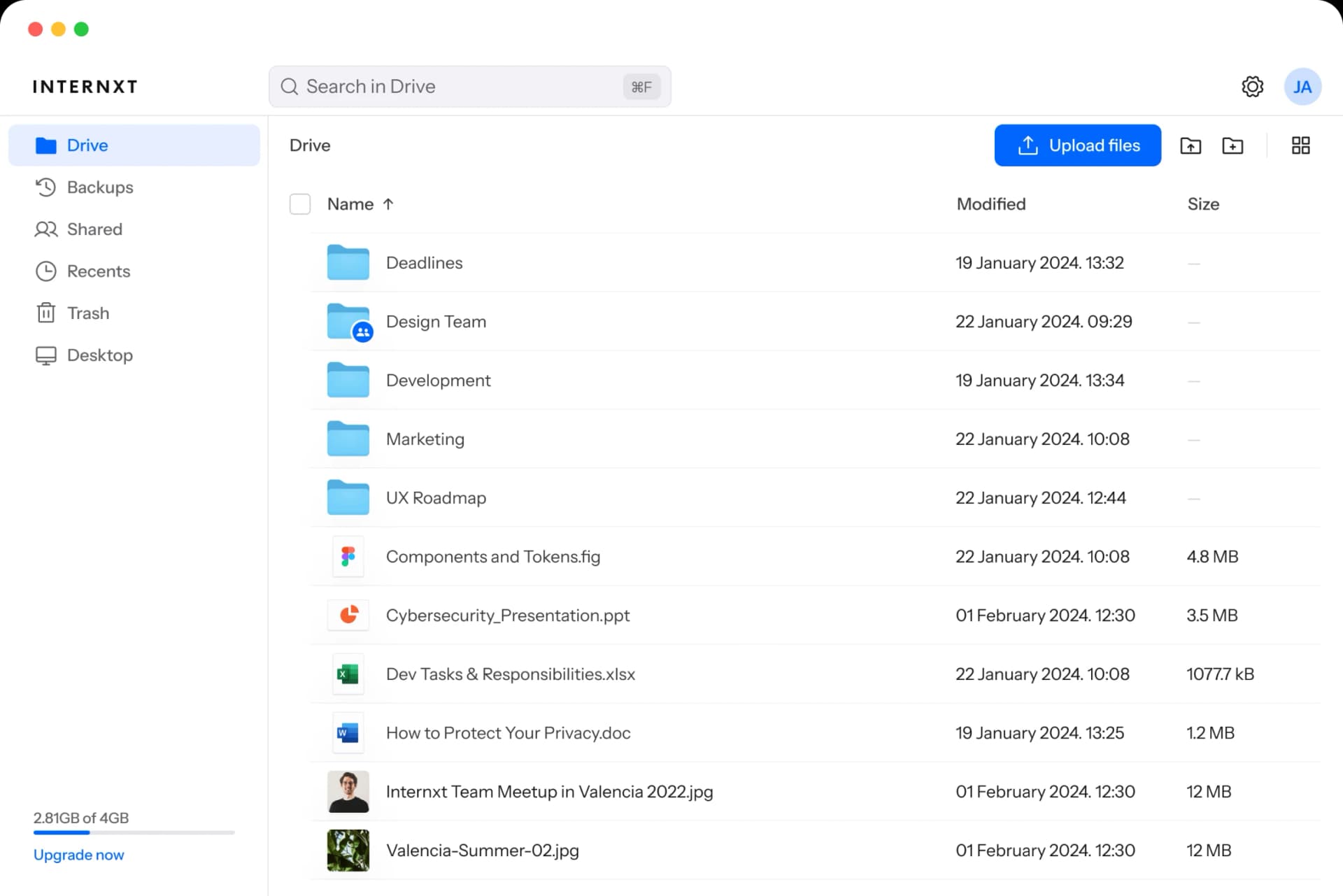






Cloud storage backup solutions
Cloud storage backup solutions keep encrypted copies of your files on remote servers, so if your laptop fails, gets stolen, or runs into ransomware, you can pull the files back without paying anyone or losing your work. The job is straightforward: protect, automate, recover, and reach the files from wherever you are. Internxt covers all four with AES-256 encryption on your device, Kyber-512 post-quantum key exchange, scheduled backups at hourly through daily cadence, multi-server replication in OVHcloud's EU data centers, and a 30-day money-back window if it isn't for you.
Increased protection
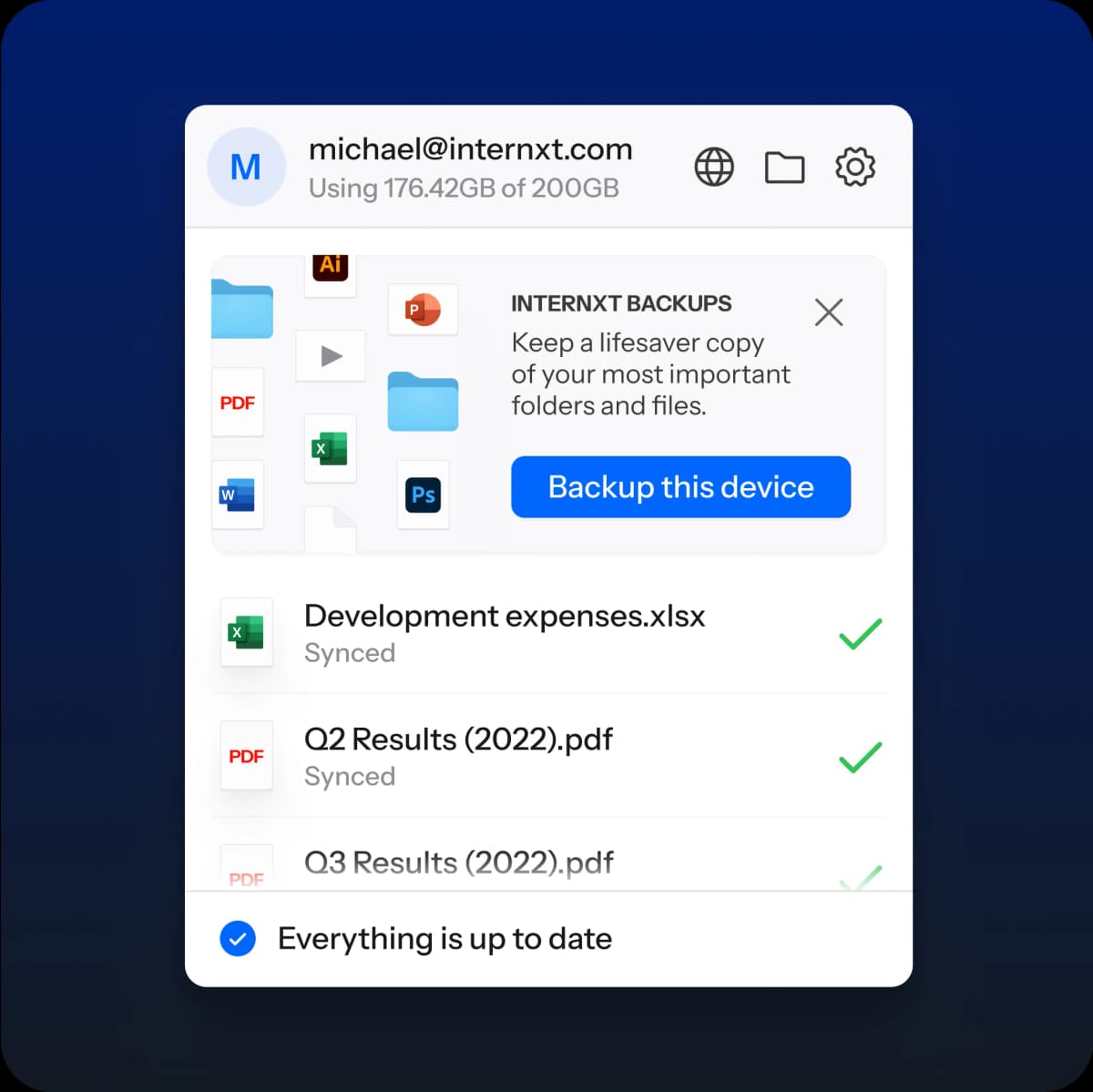
Increased protection means your files survive things you can't control. Drive failures, lost laptops, ransomware encryption that locks up the original, accidental deletes after a long week.
Internxt holds a versioned copy of each backed-up folder on multiple OVHcloud servers in the EU, encrypted with AES-256 before the file leaves your device, and protected in transit and at rest by Kyber-512 post-quantum key exchange. You set the schedule, you set what to back up, and no one but you can read the contents, including us.
Ease of use
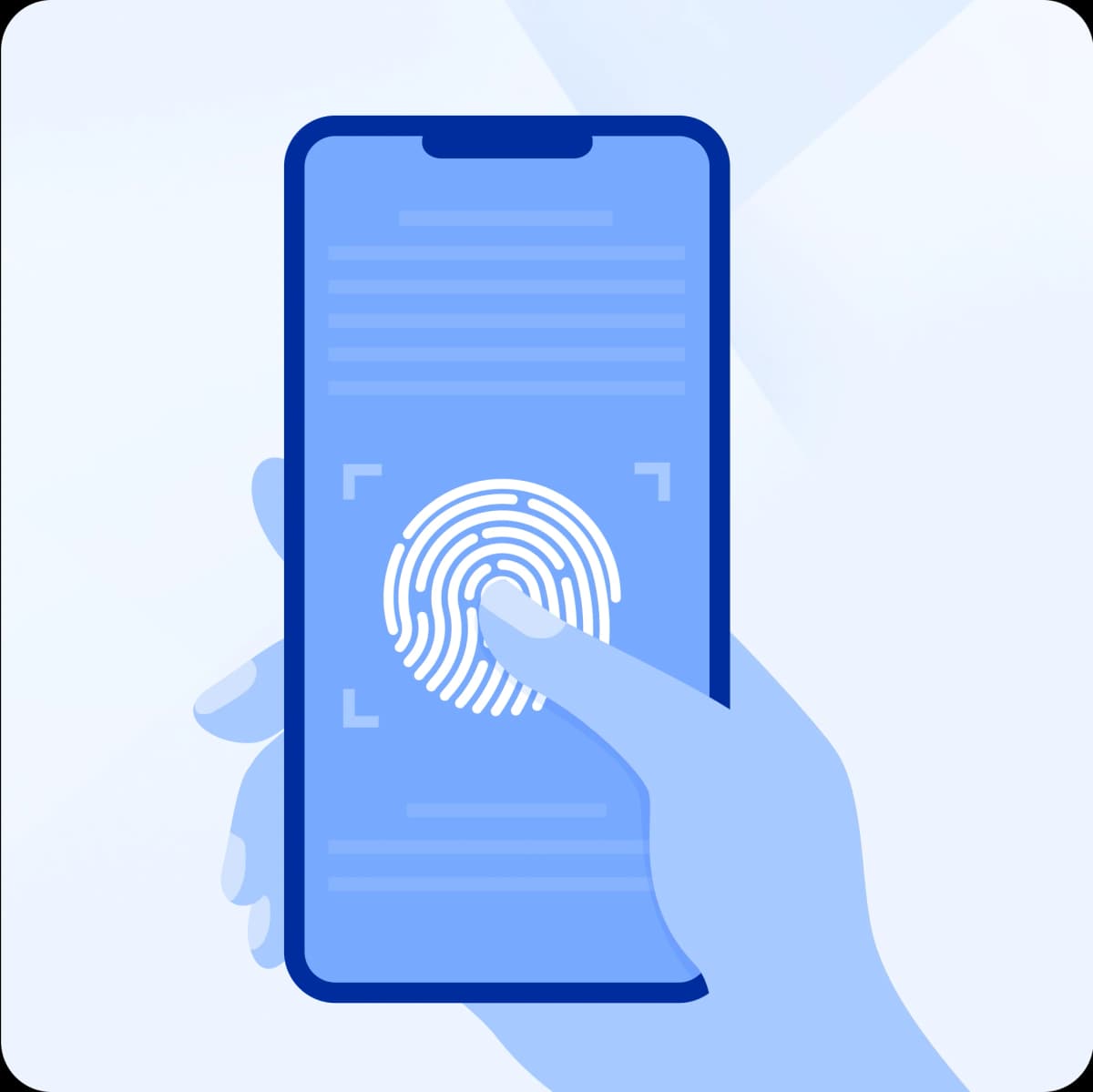
Ease of use comes down to setup once, run forever. Schedule a folder, pick a cadence (hourly, every six hours, every twelve hours, or daily), then close the dashboard.
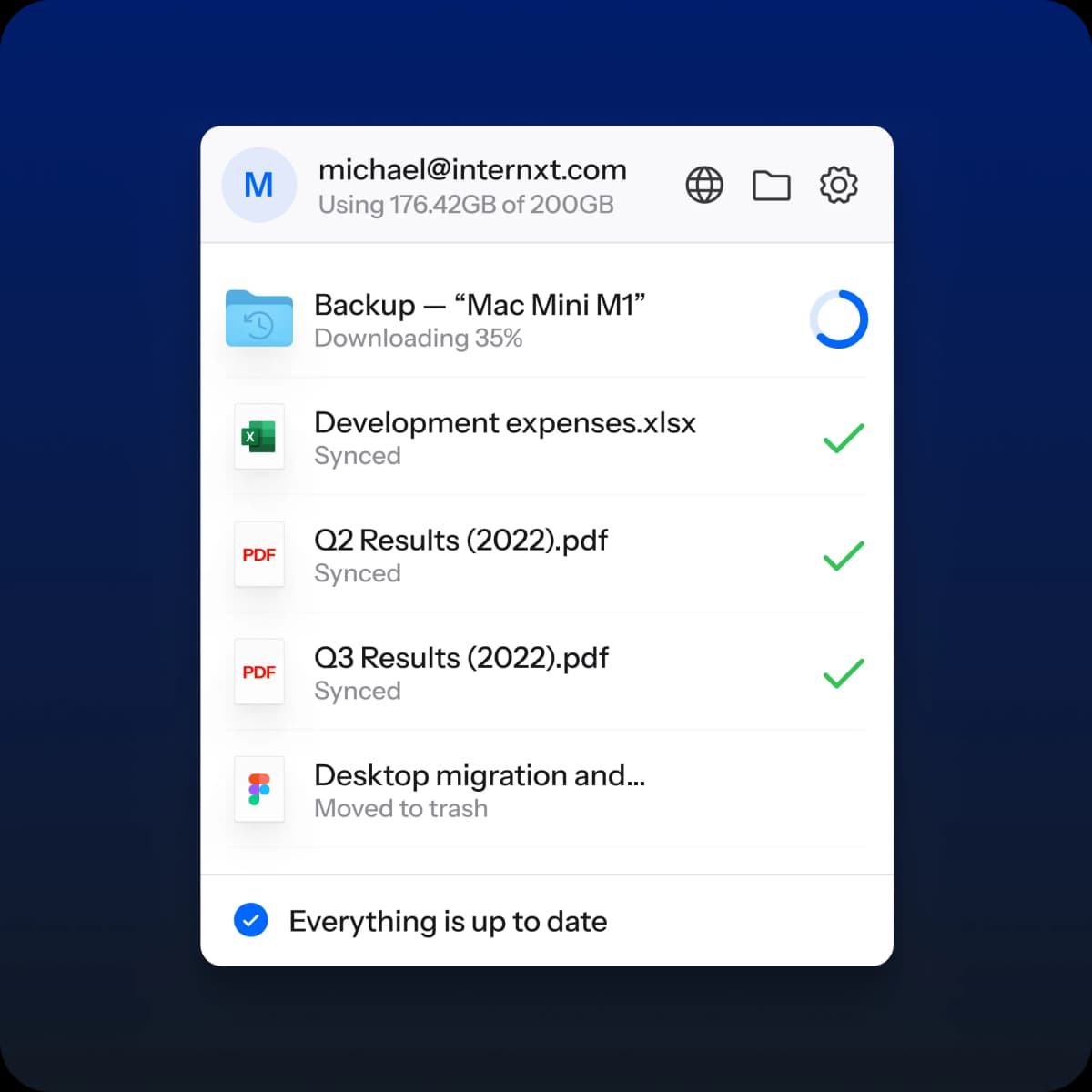
Internxt Drive runs the job in the background on Windows, Mac, or Linux, syncing only the changed parts of each file to keep upload time short. Restoring is the same shape: open the dashboard, browse the backup history for the device and folder you need, pick a snapshot, and pull it back. No technical setup, no scripts, no command-line for anyone who doesn't want one.
Recover your files
Recovery is the moment a backup earns its keep. Internxt holds your encrypted backup as multiple versioned copies replicated across separate OVHcloud servers in Spain and across the EU, so a hardware failure, regional outage, or ransomware encryption on your device doesn't take the cloud copy with it.
To recover, log into Drive, browse the device and folder tree under Backups, pick a version (the most recent or any earlier one), and download. Files restore in the same encrypted form, decrypted on your device when you open them. Nothing leaves ciphertext on the way.
Cross-platform access
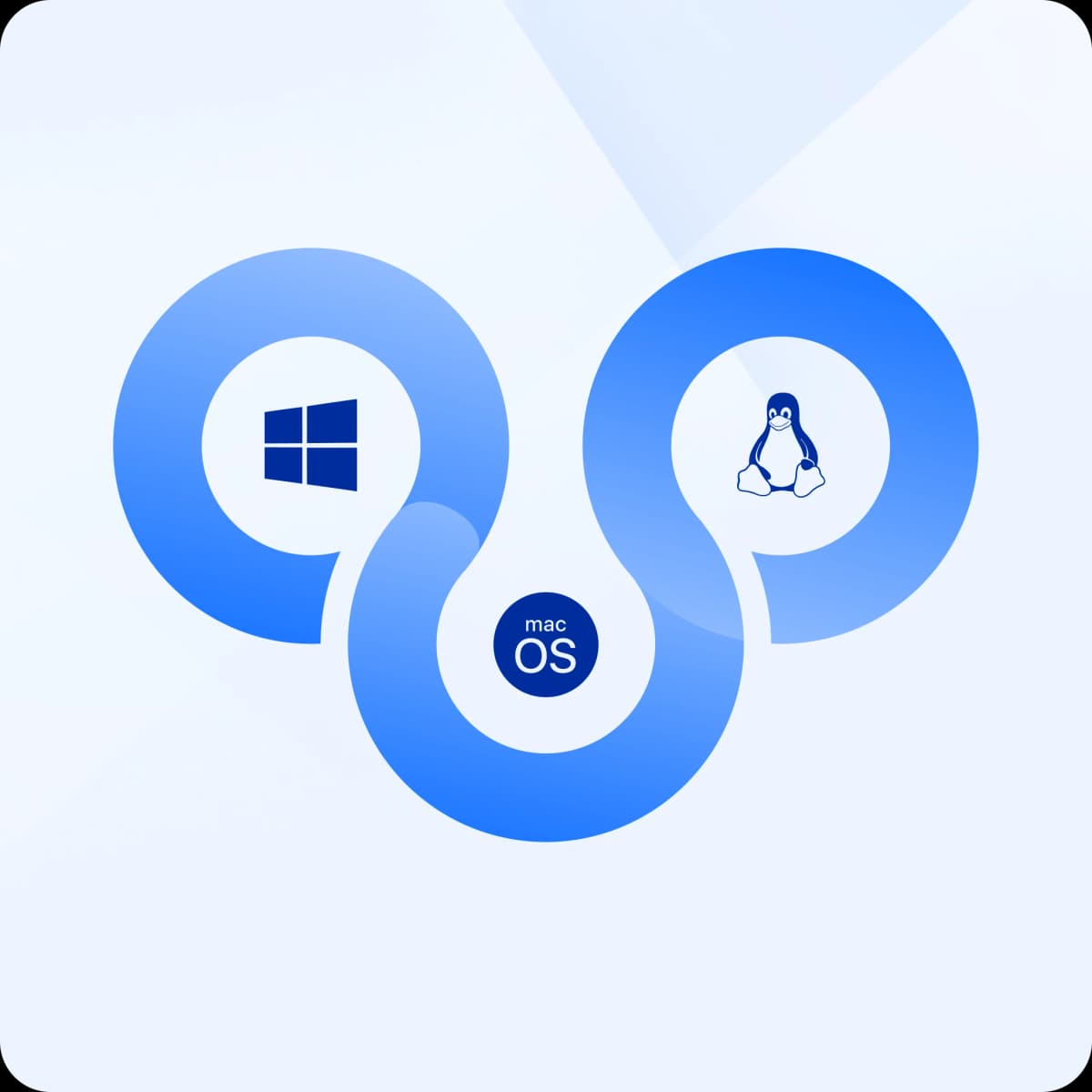
Cross-platform access means you can manage backups from the device you're holding, not the one you left at home. Internxt runs native apps on Windows, Mac, Linux, iOS, and Android, and supports WebDAV and Rclone for command-line workflows or third-party clients.
The same account follows you across all five. Schedule a backup from your laptop in the morning, browse the recovery history from your phone at lunch, restore a folder from a borrowed machine on the weekend. Encryption stays on the originating device for every action, so the server only ever sees ciphertext.
Get Cloud Storage and Back Up Your Files with Internxt
Cloud storage and backup don't have to be two different products. On Internxt, they're one encrypted account. Your working files live in Internxt Drive: open, edit, share, and sync across Windows, Mac, Linux, iOS, Android, WebDAV, and Rclone. The same account schedules versioned backups of any folder on whatever cadence works for you: daily, hourly, every six hours, or every twelve. AES-256 encrypts your files on your device before they leave it, Kyber-512 post-quantum key exchange protects them on the way and at rest, and a 30-day money-back window covers the full plan.
Back up your files with Internxt
Recover files & protect against ransomware
How Internxt Drive can backup and protect your files
How Internxt Drive backs up and protects your files comes down to six controls, all from one dashboard. You pick which folders to back up, how often, what platform to manage from, and how to restore. Underneath: AES-256 encryption on your device before upload, Kyber-512 post-quantum key exchange protecting the keys, multi-server replication across OVHcloud data centers in the EU, a Securitum audit certifying ISO 27001:2022, HIPAA-eligible storage if you need it, and an open-source codebase on GitHub that's open for anyone to read.
Automatic backups
Automatic backups are scheduled jobs that copy a folder's contents to the cloud on a fixed cadence, so you don't have to remember. Internxt Drive lets you set the schedule per folder: hourly for files that change all day, every six or twelve hours for evening or end-of-shift snapshots, daily for slow-moving archives. The job runs in the background on Windows, Mac, or Linux, picking up the differences since the last run rather than re-uploading the whole folder. Encryption happens on your device first, every time. Nothing reaches the server unencrypted.
Automatic backups
Automatic backups are scheduled jobs that copy a folder's contents to the cloud on a fixed cadence, so you don't have to remember. Internxt Drive lets you set the schedule per folder: hourly for files that change all day, every six or twelve hours for evening or end-of-shift snapshots, daily for slow-moving archives. The job runs in the background on Windows, Mac, or Linux, picking up the differences since the last run rather than re-uploading the whole folder. Encryption happens on your device first, every time. Nothing reaches the server unencrypted.
Ransomware protection
Ransomware protection on a cloud backup means your encrypted backup lives somewhere the ransomware can't reach. A solid cloud backup strategy follows the 4-3-2-1 rule: keep four copies of important data on three different media, with two stored offsite and at least one immutable or air-gapped. Internxt covers the offsite and the immutable parts directly. Every backup is encrypted on your device, versioned, and replicated across separate OVHcloud data centers in the EU, so an attack that encrypts your local files can't rewrite the cloud copies. Restore from a known-clean snapshot and you're back to work.
Protected by post-quantum encryption
Post-quantum encryption protects your keys against future quantum-computer attacks that would break today's RSA and elliptic-curve cryptography. Internxt uses Kyber-512, a key-exchange algorithm standardized by NIST in 2024 specifically for that threat horizon. Every file you back up goes through Kyber-512 for key exchange and AES-256 for the file contents, all over TLS 1.3 in transit. The Securitum 2024 audit verified the stack carries no backdoor and no master-key recovery path. Files you back up today stay readable only by you, including against attackers with a future quantum computer in hand.
Data redundancy
Data redundancy means more than one copy of your file exists in more than one place, so a single hardware failure or regional incident can't take both. Internxt replicates each backed-up file across separate OVHcloud data centers in Spain and elsewhere in the EU, all under GDPR and outside the reach of the US CLOUD Act. If one copy goes offline for any reason, the others stay reachable and the restore path doesn't change. You don't notice the redundancy until you need it, which is exactly the point.
Open source and audited
Open source means anyone can read the code that protects your backups, including security researchers and the people you trust. Internxt's full codebase is public on GitHub at github.com/internxt, line by line, including the encryption and backup pipeline. Beyond the source, Internxt passed a 2024 independent security audit by Securitum, which certified the stack to ISO 27001:2022 and confirmed there's no backdoor and no master-key recovery path. The combination's rare in this market. Most backup providers don't publish their source, and they don't name an independent audit firm or the year it was performed.
Access your backups from any device
Access from any device means your backup history follows the account, not the machine. Internxt runs native apps on Windows, Mac, Linux, iOS, and Android, plus a web browser interface and WebDAV and Rclone integrations for command-line workflows or third-party clients. It's the same backup, the same recovery history, and the same controls in all of them. Restore a folder from a borrowed machine, browse a snapshot from your phone, schedule a backup from your laptop. Each device decrypts only what you ask for; everything in between stays encrypted end-to-end.
The best cloud backup storage: Back up with confidence
Cloud backup storage means keeping versioned, device-encrypted copies of your files on remote servers, so you can pull them back if your laptop dies, gets stolen, or runs into ransomware. The same job covers a freelance laptop, a small-business team library, and an enterprise compliance archive. Three things make a cloud backup safe: encryption before files leave the device, replication across multiple data centers, and a current named audit. Backblaze, iDrive, and Carbonite name 256-bit encryption; only Internxt also names Kyber-512 post-quantum, a Securitum 2024 audit certifying ISO 27001:2022, EU jurisdiction via OVHcloud, and open-source code on GitHub. Plans from €2 a month, 30-day money-back.
Back up with confidence
Total protection against ransomware, data loss, or corruption
Internxt offers secure and private cloud-based backup storage services for personal, business, or enterprise use
Choose Internxt Drive for everyday backup and recovery, or Internxt S3 for petabyte-scale business storage. Both use the same encryption stack and the same European infrastructure.
Internxt Drive
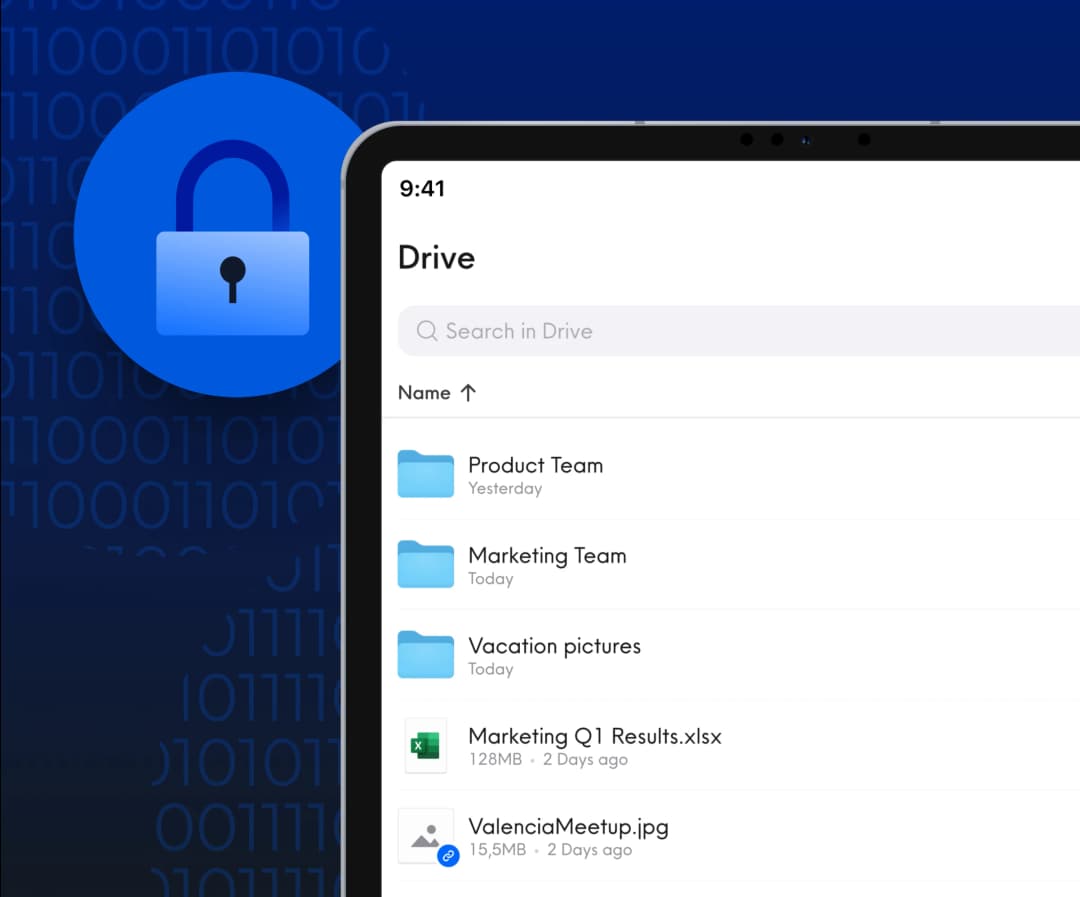
Internxt Drive is the personal and small-business cloud backup solution. Schedule automatic backups of any folder at hourly, six-hour, twelve-hour, or daily cadence, recover from a versioned history when something's gone wrong, and reach your files from Windows, Mac, Linux, iOS, Android, WebDAV, or Rclone. Files encrypt on your device with AES-256 before upload, key exchange runs on Kyber-512 post-quantum, and storage lives in OVHcloud's EU data centers under GDPR. Plans start at €2 a month with a 30-day money-back window if it isn't for you.
Internxt S3
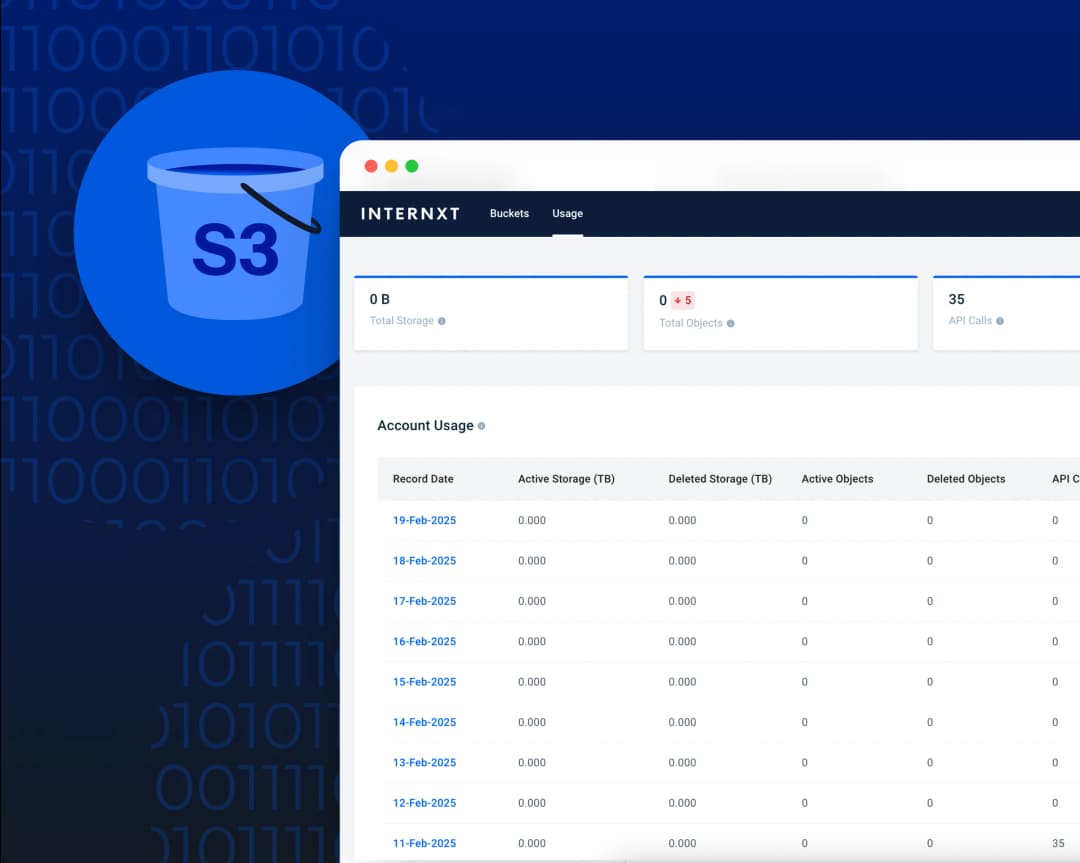
Internxt S3 is the enterprise cloud backup solution for businesses that need petabyte-scale storage at S3 API compatibility. Pricing's pay-as-you-go at €7 per TB per month with zero transfer fees, zero egress charges, and no API call charges. Backups land in OVHcloud's EU data centers, encrypted with AES-256 and protected by the same Kyber-512 post-quantum key exchange Drive uses. HIPAA, GDPR, and ISO 27001:2022 cover regulated workloads. The S3 API drops into existing tooling you've already got: Veeam, Commvault, Rclone, custom scripts. No vendor lock-in.
Questions? We have answers
Internxt protects your data with AES-256 file encryption, Kyber-512 post-quantum key exchange, and TLS 1.3 in transit, all on your device before files reach the cloud.
The Securitum 2024 audit certified the stack to ISO 27001:2022 and confirmed there's no master-key recovery path. Two-factor auth is available for your account.
No one but you can read your files, including us.
Back up as often as your files change. For active project folders, hourly or every six hours catches the small mistakes before they pile up.
For slower-moving archives, daily is enough. Internxt lets you set the schedule per folder, so a single account can run multiple cadences.
The general rule: any data loss between backups is data you've decided you can live with.
Cloud storage syncs the working copy of a file across your devices so you can edit, share, and access it anywhere.
Cloud storage backup solutions keep versioned snapshots of folders for recovery after deletion, corruption, or ransomware.
Internxt Drive does both on one encrypted account, so sync and backup ride on the same encryption stack and the same plan.
Check six things before signing up. Who holds the encryption key (only you, or the provider?). Whether AES-256 and a post-quantum layer are both named. Whether an independent audit firm and year are named.
Where the data lives (EU under GDPR, or US under the CLOUD Act). Recovery granularity and schedule controls.
For small business or enterprise, add a seventh: team management, role-based access, and HIPAA / ISO 27001:2022 coverage. Internxt clears all seven.
Download Internxt
Get seamless file management and secure cloud storage on the go with the Internxt mobile app for iOS or Android.



Newsletter
Want to hear from us when we launch new products or release a new update? Type your mail address and we’ll do the rest!
Get an exclusive discount!
Special offer: store files in privacy for less.
30-day money-back guarantee